
You can edit email account names from the UI and from the API.
From the UI
Begin by navigating to the Sender Emails tab in the sidebar
For a single sender account
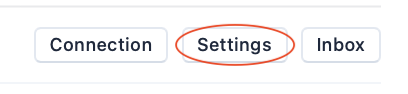
Click the Settings button to the right of the sender email account you want to rename
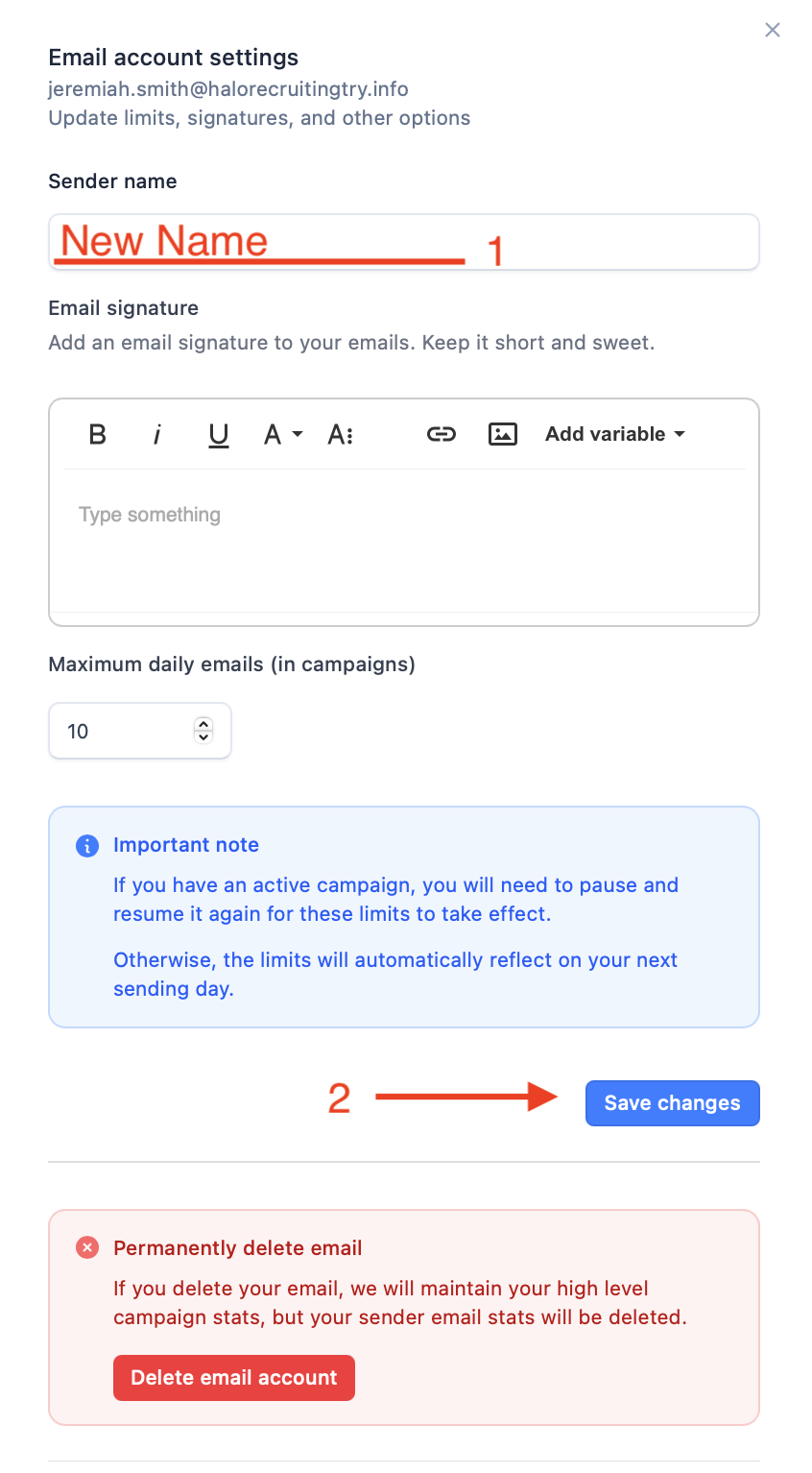
From the popup, edit the name and click ‘Save changes’
For multiple sender accounts
Select all accounts whose name you want to change
Click ‘Update email name’
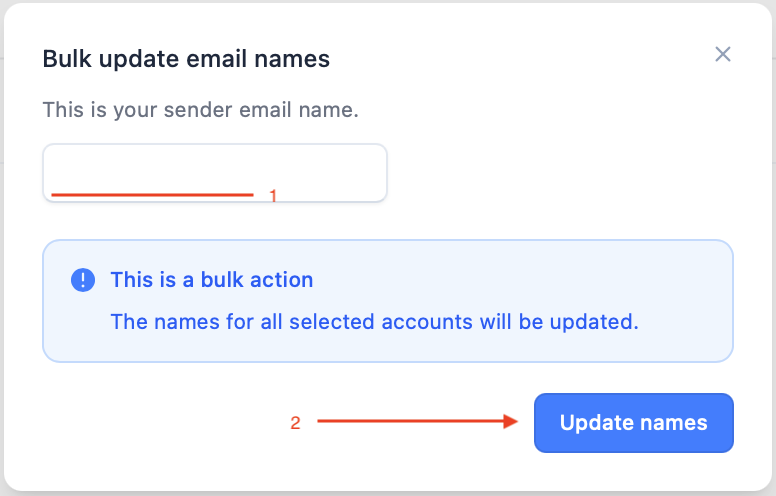
Type in your desired name and click ‘Update names’

From the API
Refer to our API reference for details