
You can delete email accounts from the UI and from the API.
From the UI
From the Sender Emails tab, there are two ways to delete sender emails.
To delete many accounts at once:
Check all the accounts you want to delete
Click ‘Delete email accounts’

To delete a single account:
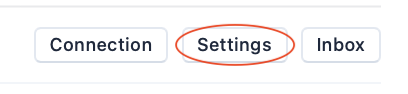
Click the ‘Settings’ button to the right of the email account you want to delete
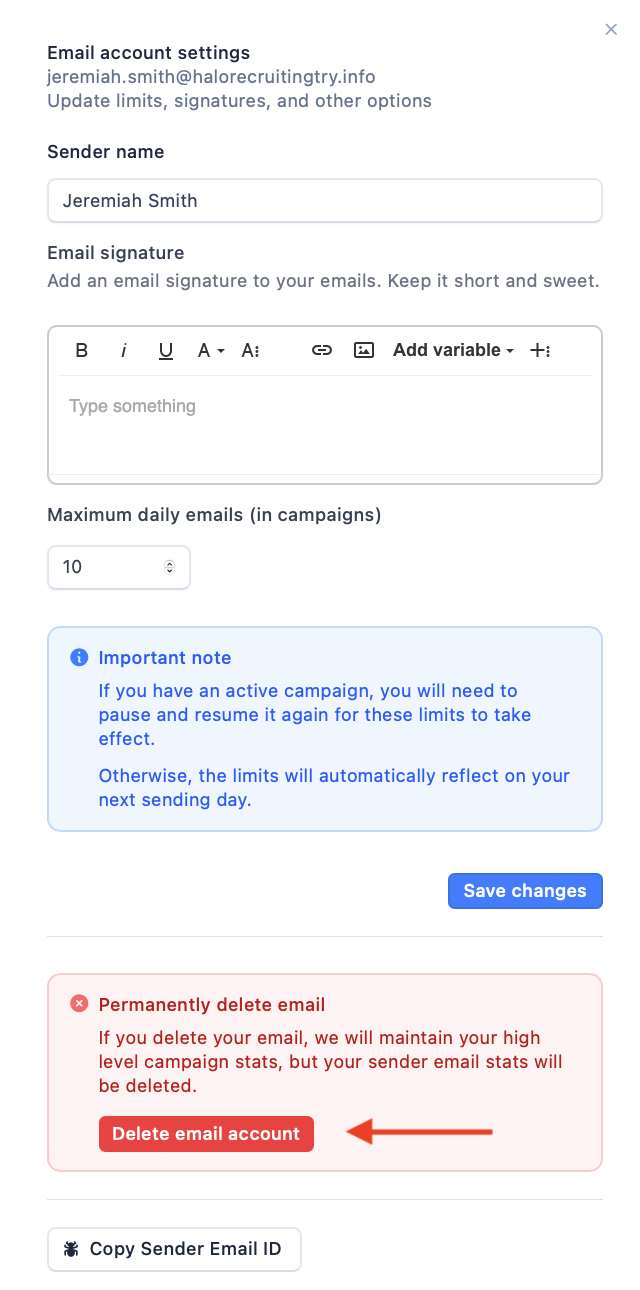
In the popup, click ‘Delete email account’
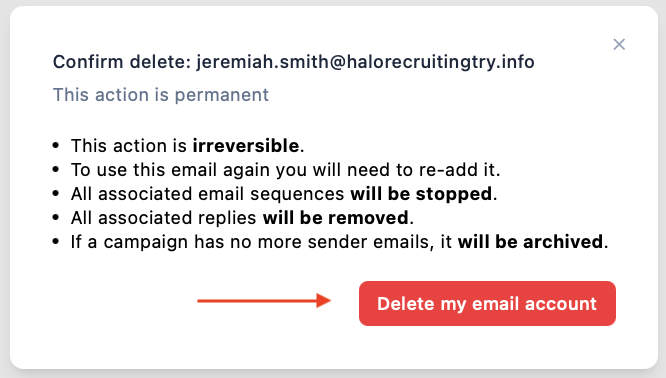
At the end of either step, confirm your decision by clicking ‘Delete my email account’
Via the API
Refer to our API reference for details.