
Navigate to Main > Email Accounts
Select the sender accounts you want to move
Click ‘Move sender emails’
From the dropdown, select the desired workspace
Confirm your choice by clicking ‘Move sender emails’

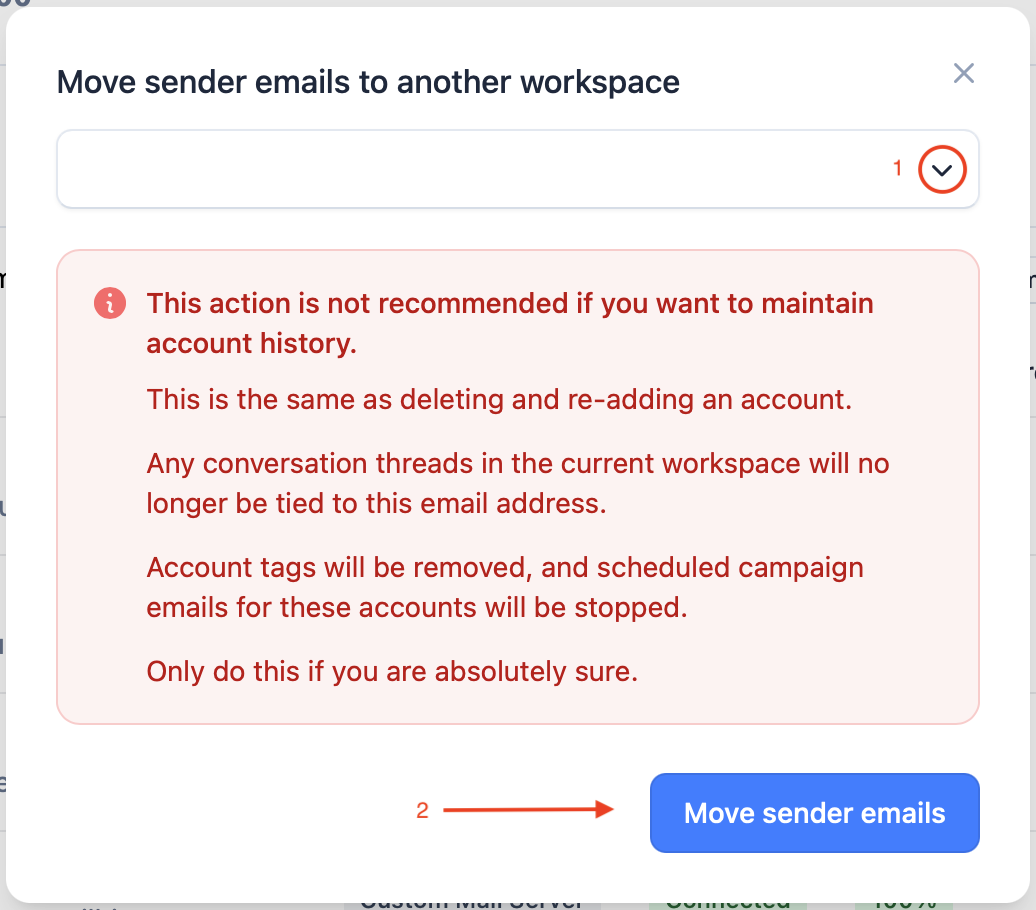
Note: moving email accounts will reset their stats.