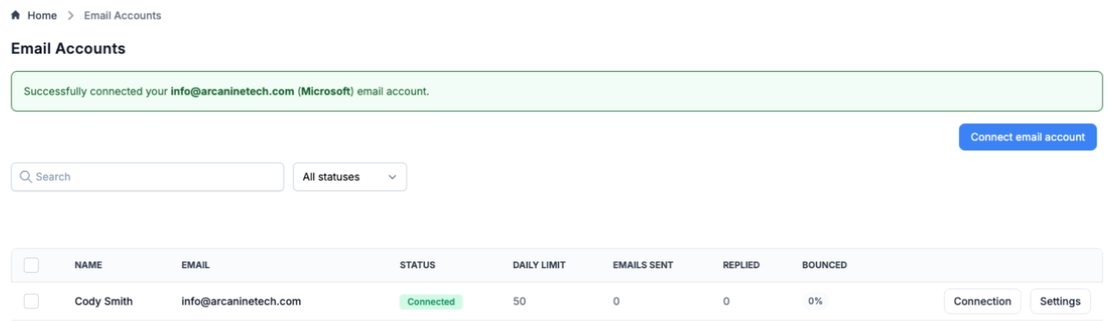
Connecting Microsoft sender emails is easy.
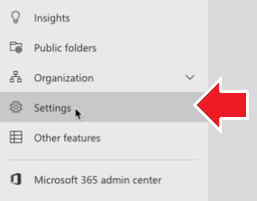
Navigate to Microsoft Exchange Admin Centre and click Settings in the left sidebar
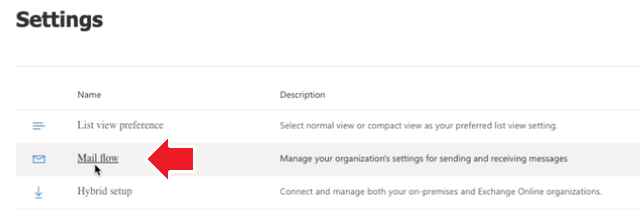
Click Mail flow
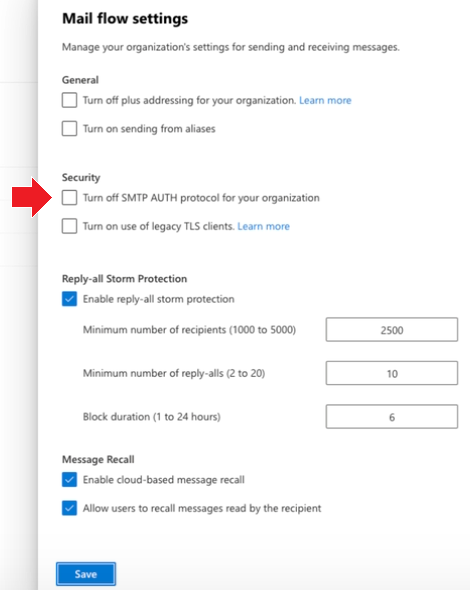
Ensure the Turn off SMTP AUTH protocol for your organization is not checked and click Save.
On the email accounts page, click Connect email account

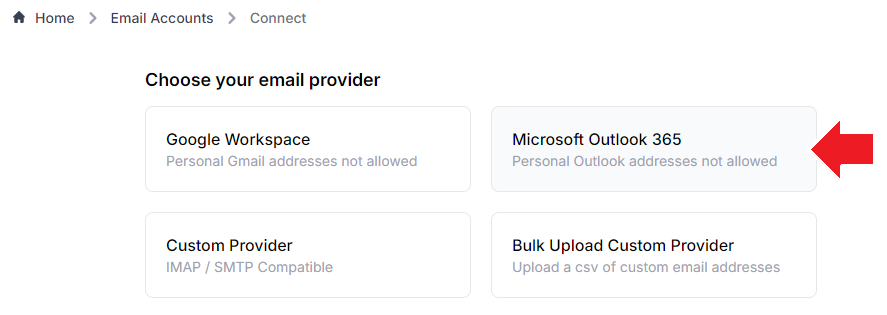
In your platform, select Microsoft Outlook 365
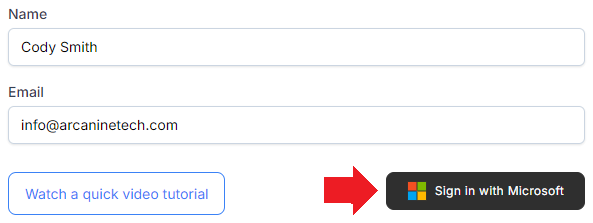
Enter email information and click Sign in with Microsoft to connect the account. Login to the account when redirected.
A confirmation prompt will be displayed if connected successfully.